Google OAuth Service Configuration on external app
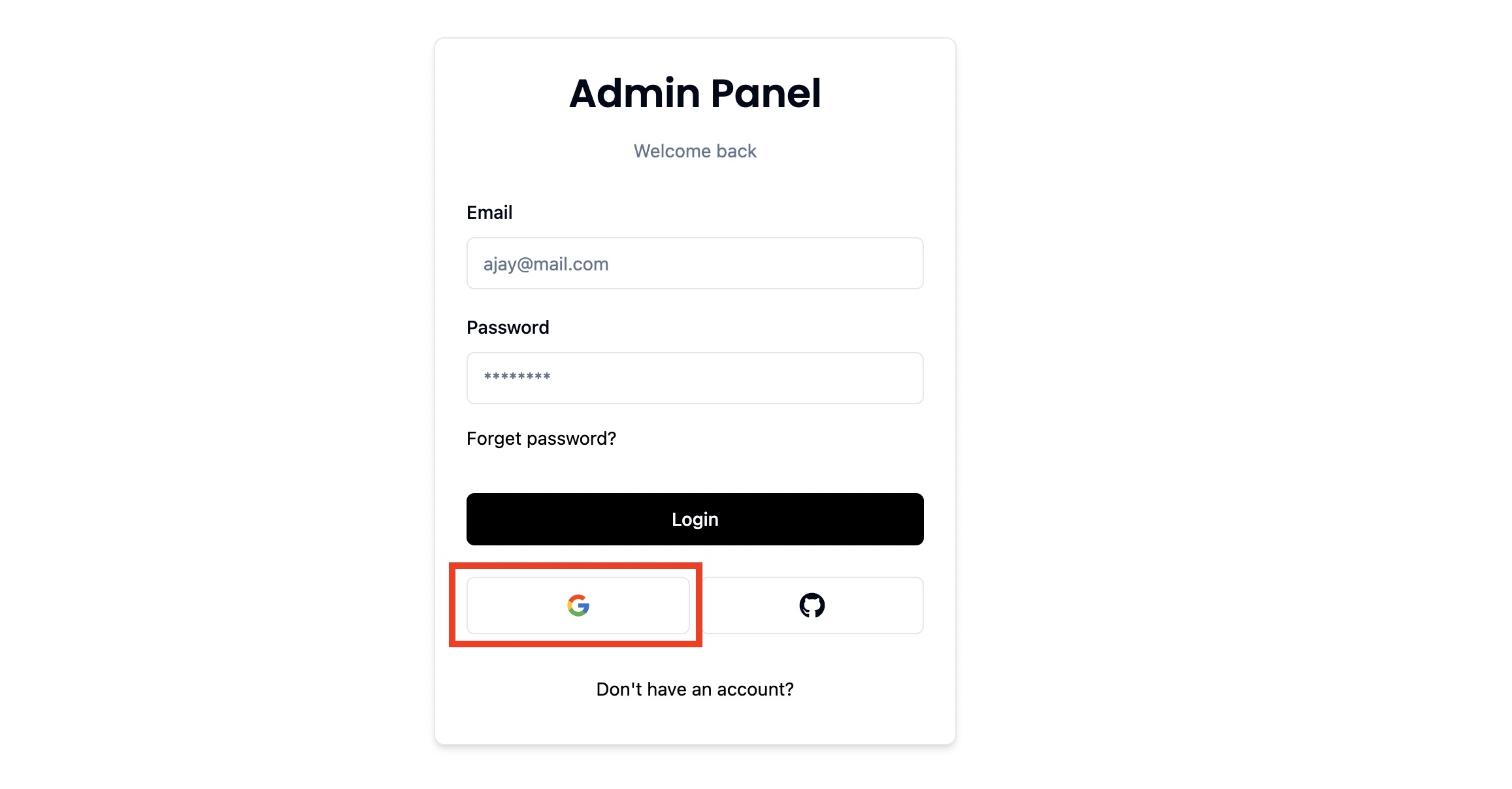
To use the OAuth service of Google in our app, we need to create a project in our gcp console and create a API service in it.
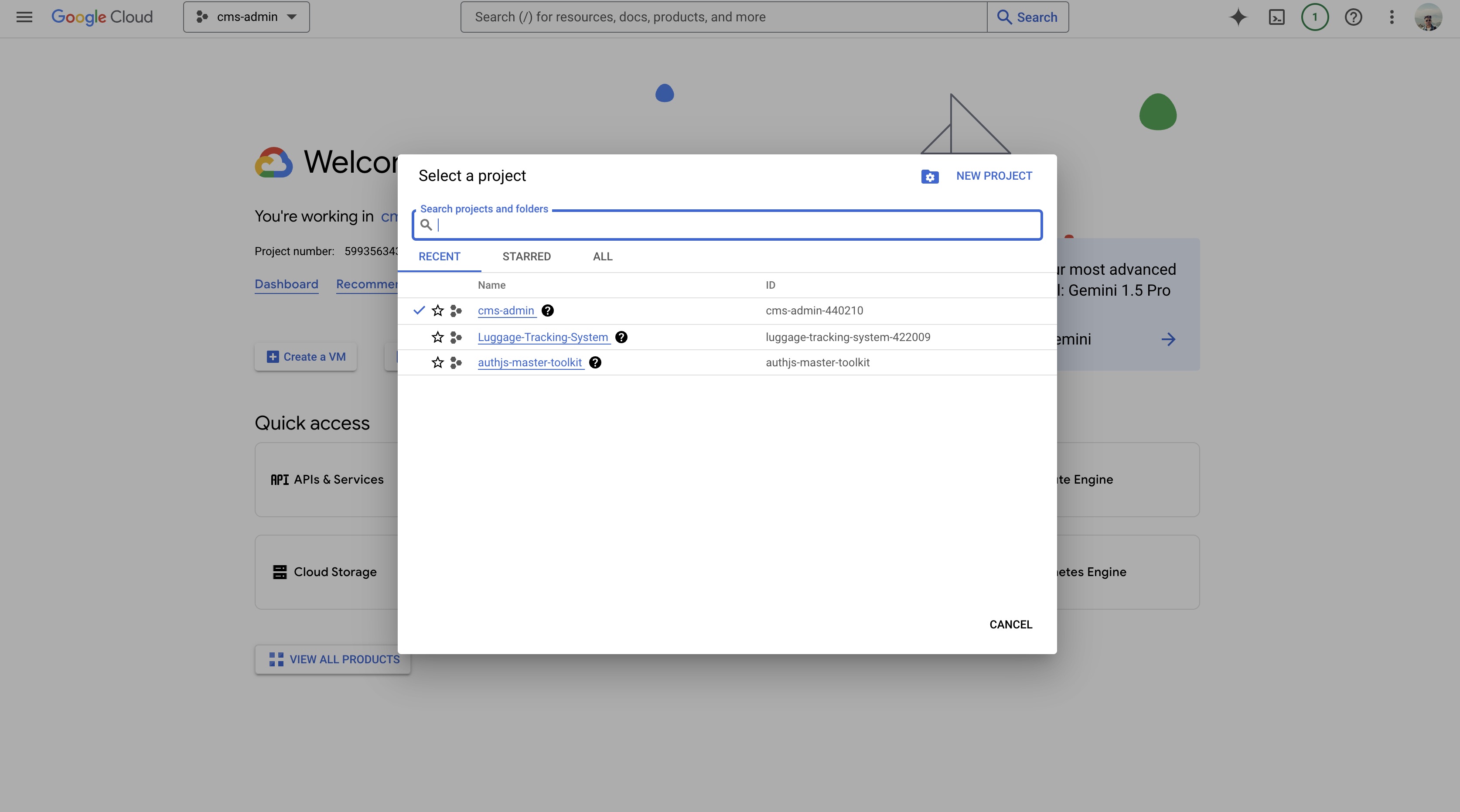
Go to GCP Console and login with your google account. Create a project to get started.
Select the created project and click on "API and Services"
Create a OAuth Consent screen for external access
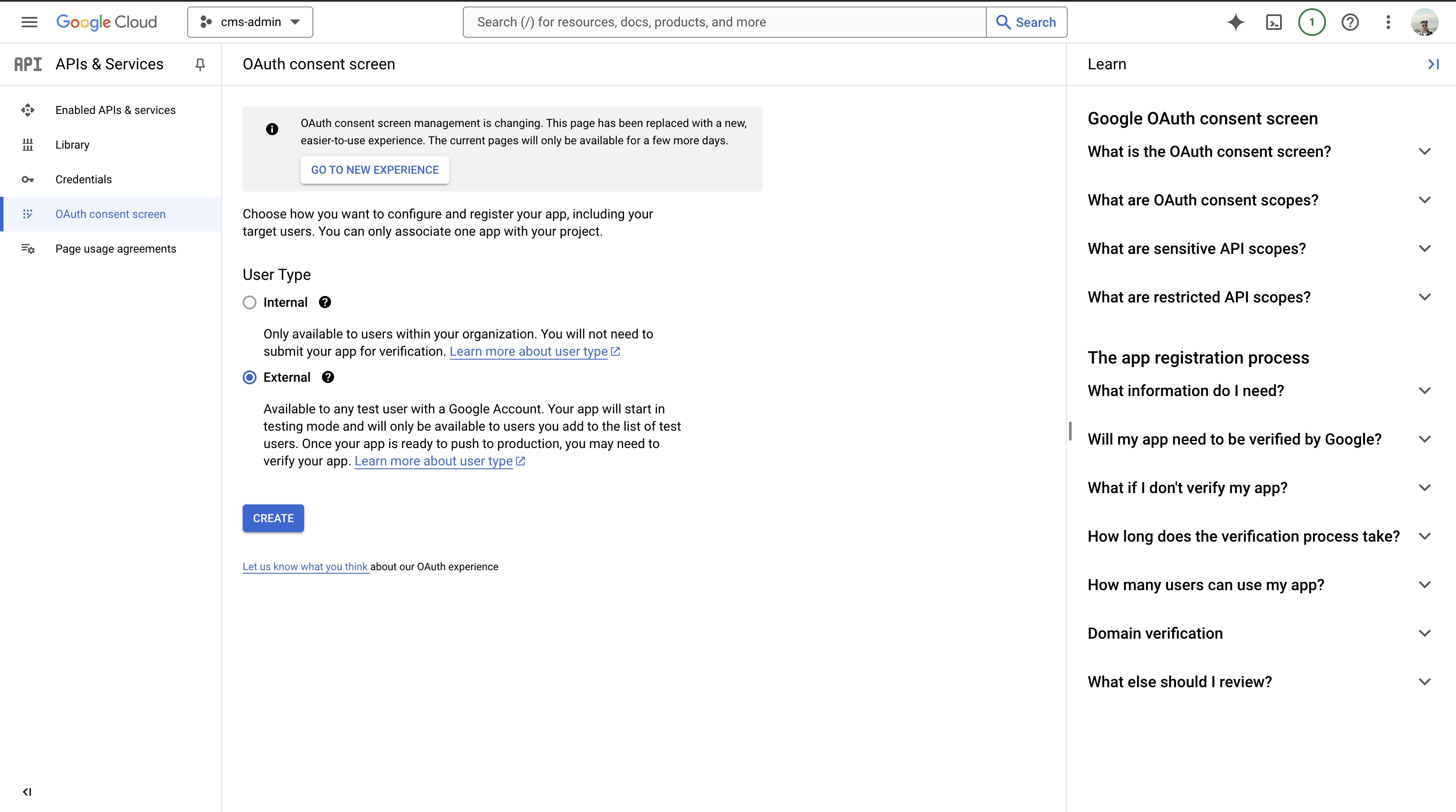
- Select User Type as "External" and click on Create.
- Add the webapp details where you will add this Oauth service
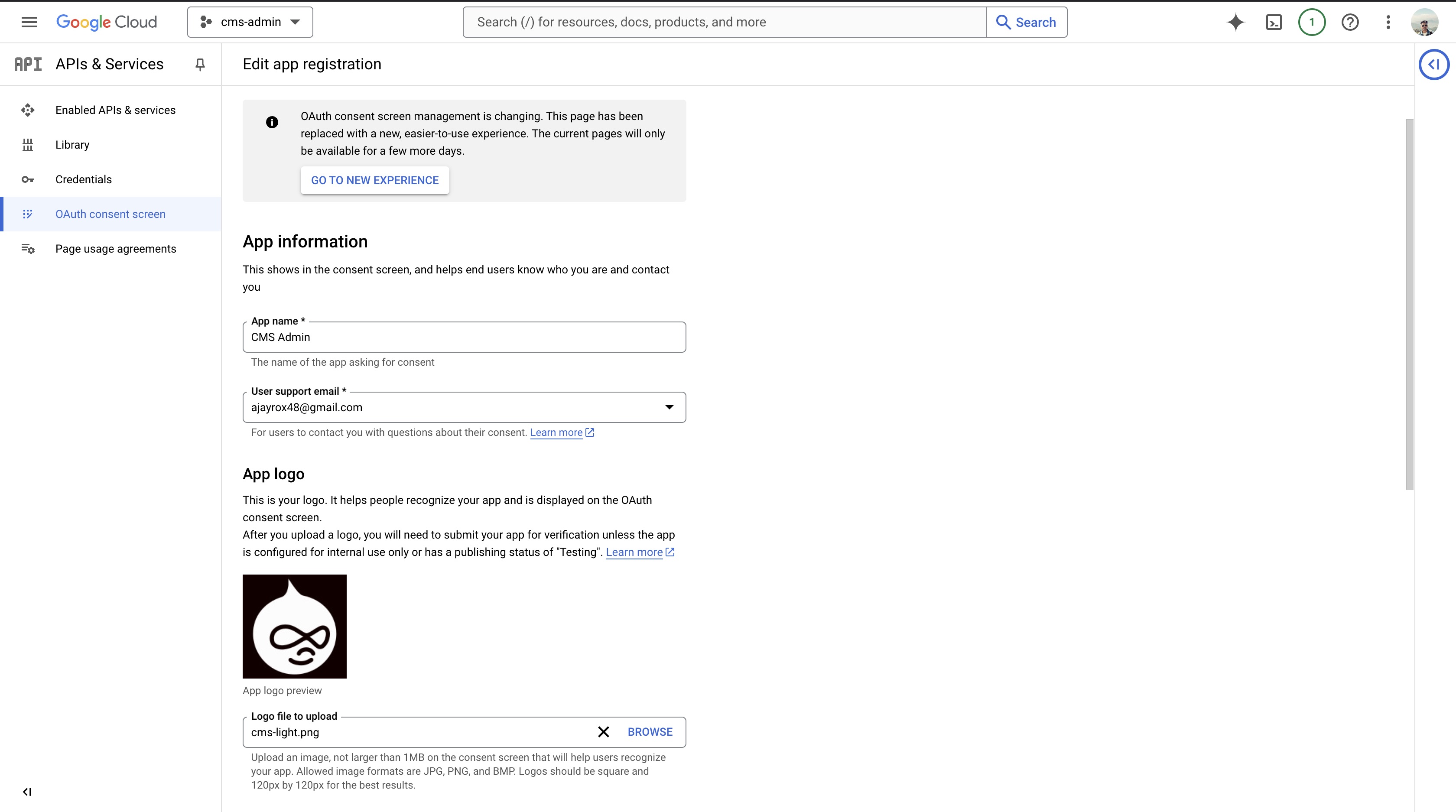
- Add your App name
- User support email will be the mail which you use to create the project.
- Adding logo for the app is optional
- Add the authorized domain that is going to use this service. The subsequent sub-domain can use it afterwards.
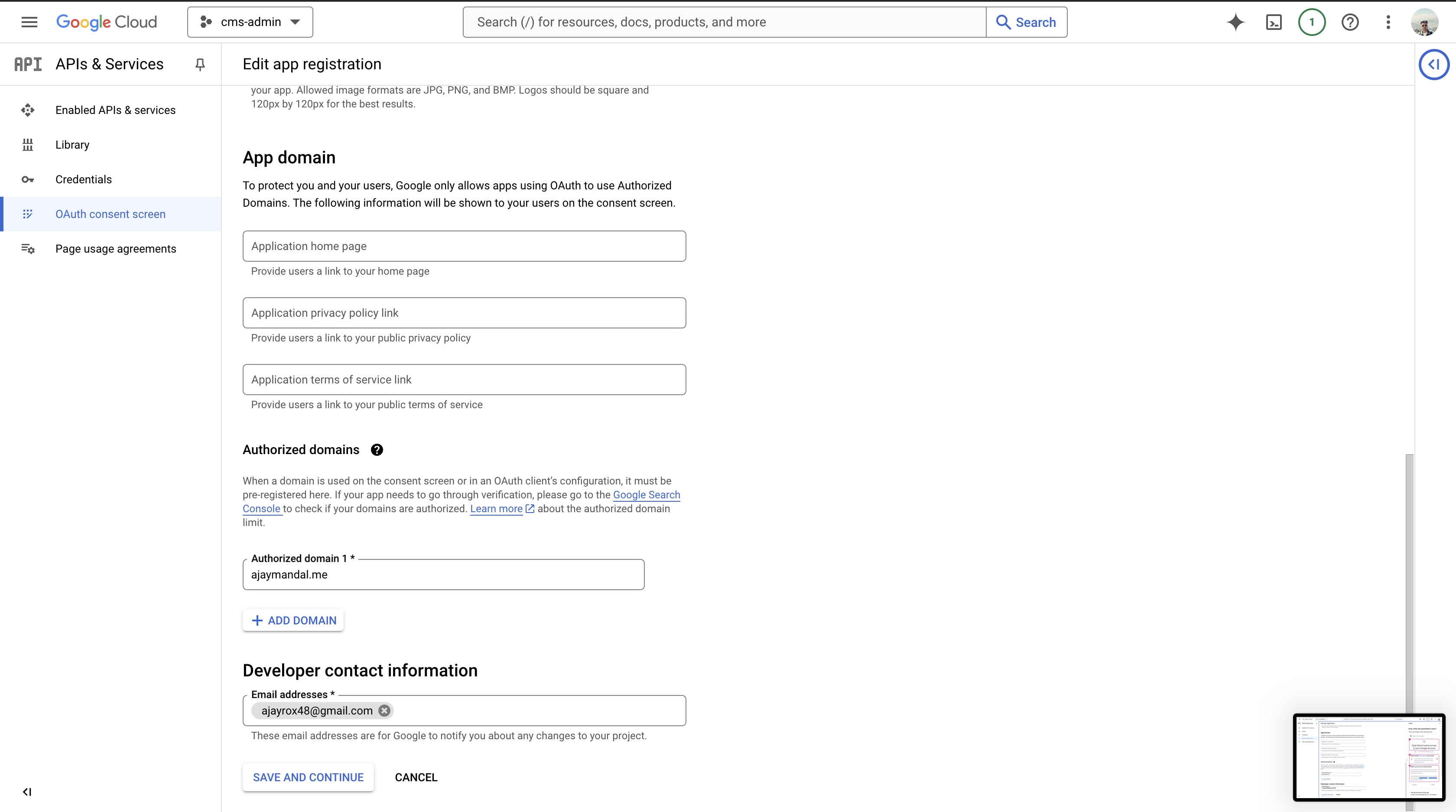
- Also add a developer contact email (can be any)
Now create a
OAuth client IDin Credentials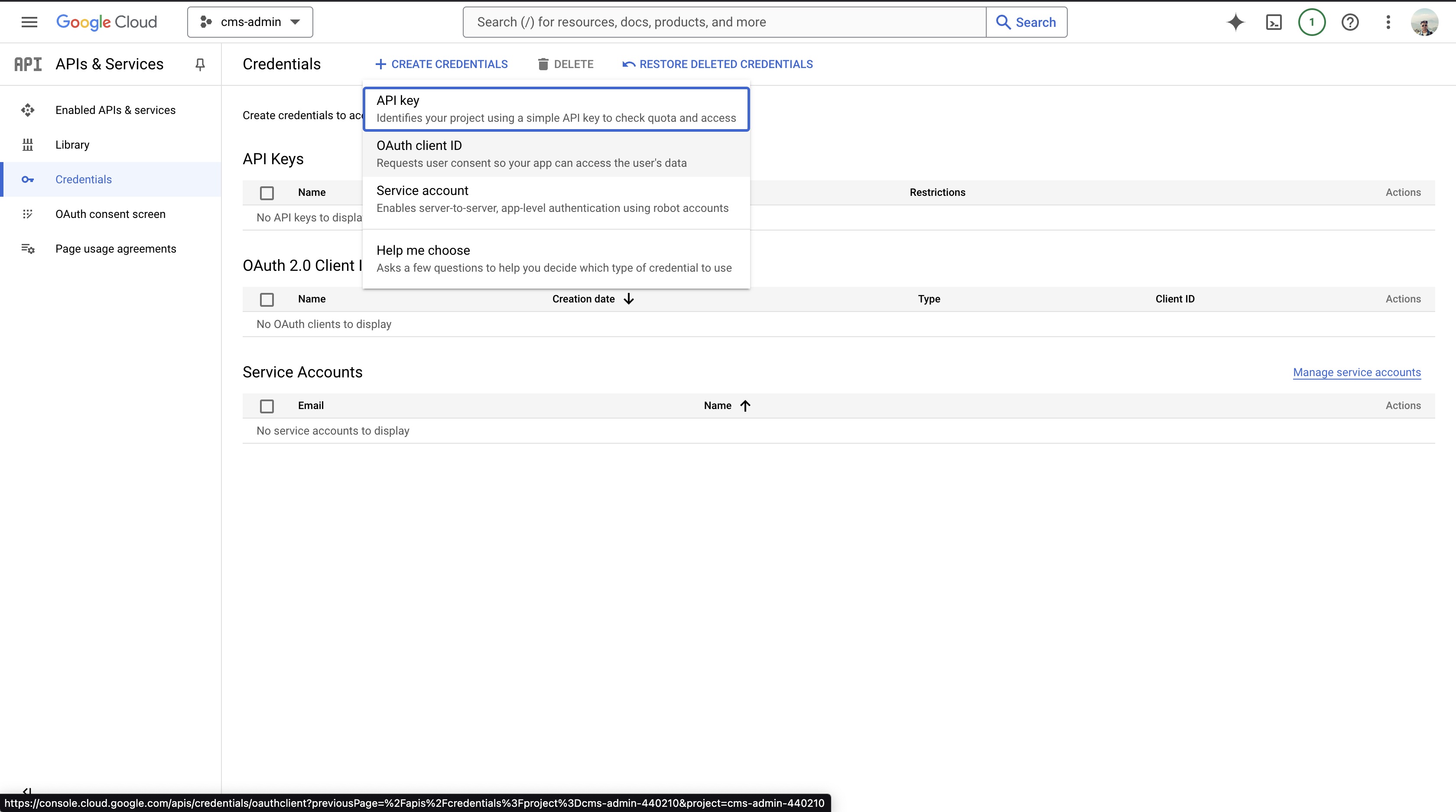
Add all the details about the domain that is going to use service along with callback url
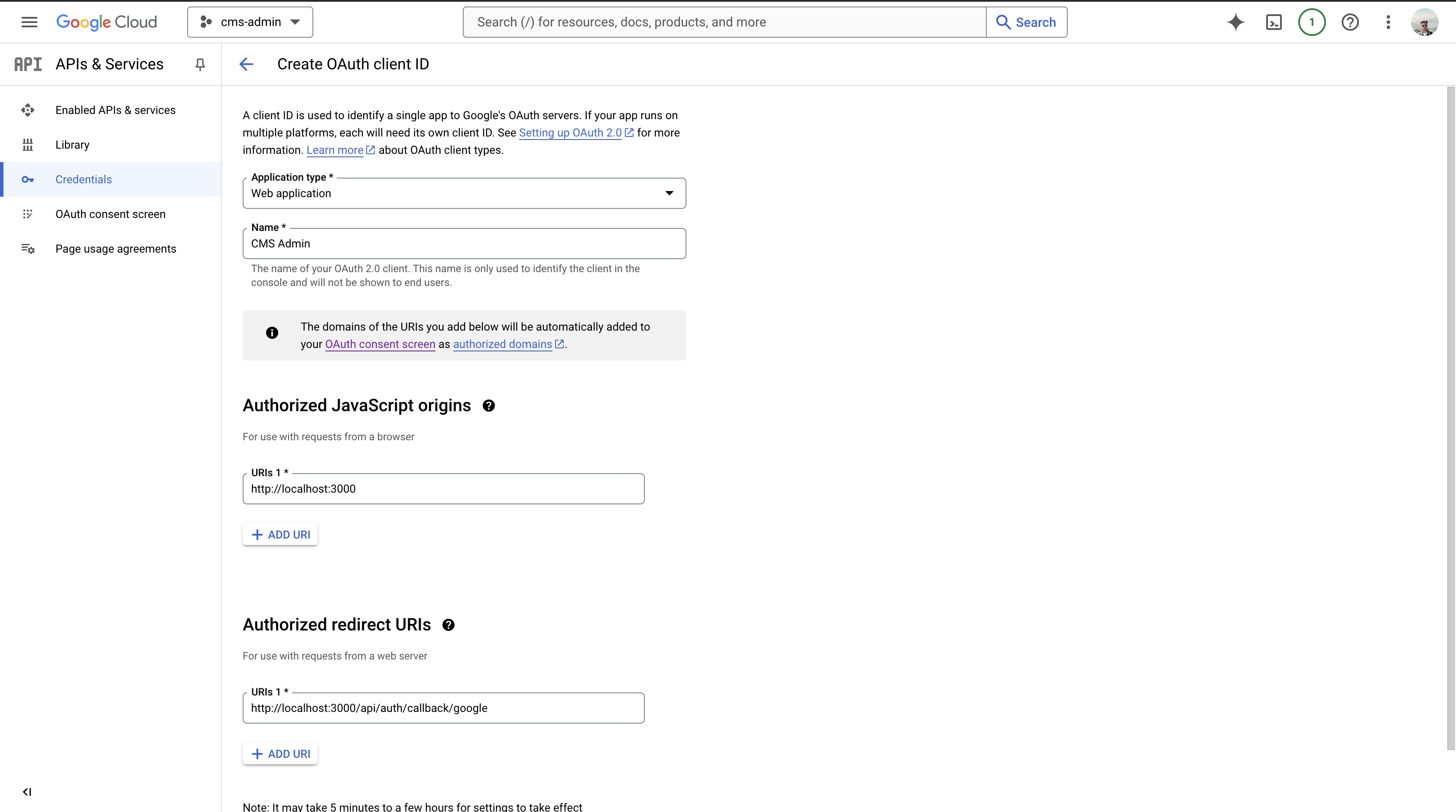
- Select Application Type as "Web App"
- Add the Name of App (This will appear to users when trying to authenticate with google)
- Add the domain or sub-domain in the
Authorized Javascript Origin - The redirect URL formats goes as
{{url}}/api/auth/callback/google - Finally click create to get the client ID and secret to add our app and use the service.
This post can be very helpful while creating OAuth for in-house authentication.